Test the Model
Let’s test the decision model to see it in action.
When evaluating a decision, you need to pass in all of the information requirements in the request and specify which decision to execute.
Head over to Postman and create a new Collection of requests for this training module. Name it something like Flowaxia Bolt Bike C8.
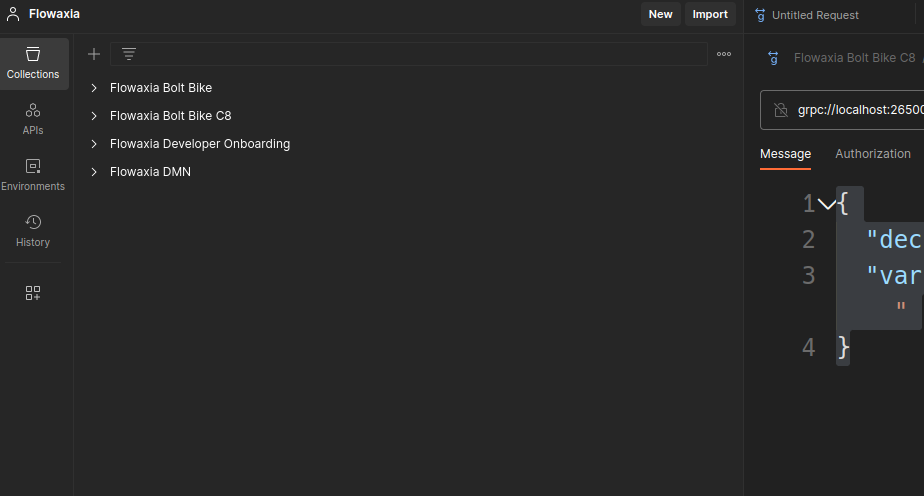
We’ll now use the definition of the Zeebe Gateway API to create a new grpc request. Click the three dots hover menu of your collection and choose the option.
Name the new request Message 1.1.
Below the name of the request on the request’s tab are two fields you need to configure. Enter the URL and Select a method fields.
The URL should be grpc://localhost:26500 and you can use the dropdown for the method to select the method.
As you can see, this part of the request will be identical for each of the following requests we will create.
When working with gRPC requests, we’ll specify both the id of the decision to evaluate and the information requirements as part of the message. For this first request, use the message contents as listed below by copying and pasting them into the Message section of the request’s tab.
| Postman provides completion suggestions for the messages' content if you type them by hand, based on the API definition that was imported. |
{
  "decisionId": "inventory_level",
  "variables": "{ \"Warehouse stock level\": 233, \"Orders\": 14, \"Spare parts reserve\": 50 }"
}
Hit the Invoke button to execute the request. Take a close look at the output. It may seem a bit cryptic at first, but the structure is actually very useful to trace the inputs that were derived for each of the decisions, the outputs of the decisions and some other information such as errors if there were any. After a couple of requests, you’ll become familiar with the output and feel comfortable 🤓.
In the JSON that’s returned, the inventory_level decision should have a decisionOutput of 169.
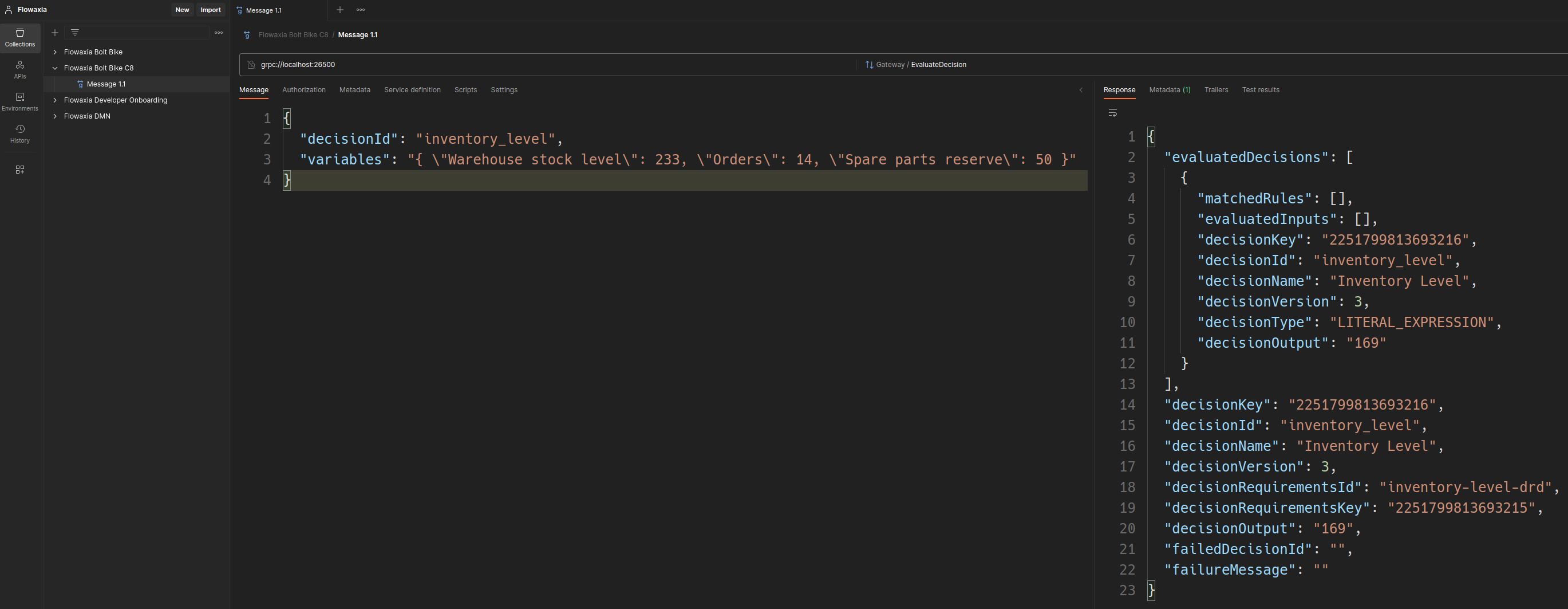
You may have noticed the structure of the variables section of the request is a string value containing an escaped JSON fragment with all the content on a single line. Unfortunately, this is not the most readable format and using Postman’s Beautify option doesn’t help much to improve that either.
|
The formula is not very complex, obviously. Still, we’ve now defined and executed a standardised calculation of the inventory level, to be used in Bolt Bike’s business processes. See if you can change a value and see the result change.
|
Even though DMN allows using spaces in variable names and Camunda supports this (to some extent), the examples and instructions that follow will use snake_case instead. This is done to be consistent and to avoid the need for surrounding the variables with backticks (`), which is the way Camunda requires you to mark the variable names so it can figure out the start and end of each. Our requests will also change in the following, using the snake cased variants of inputs, for instance. |